

Secumore 1 APP is already closed
If u need to transfer devices from Secumore 1 to secumorePlus, please provide us your IMEI list or contact our assistant for help.
(WhatsAPP:+86 150 160 88150)
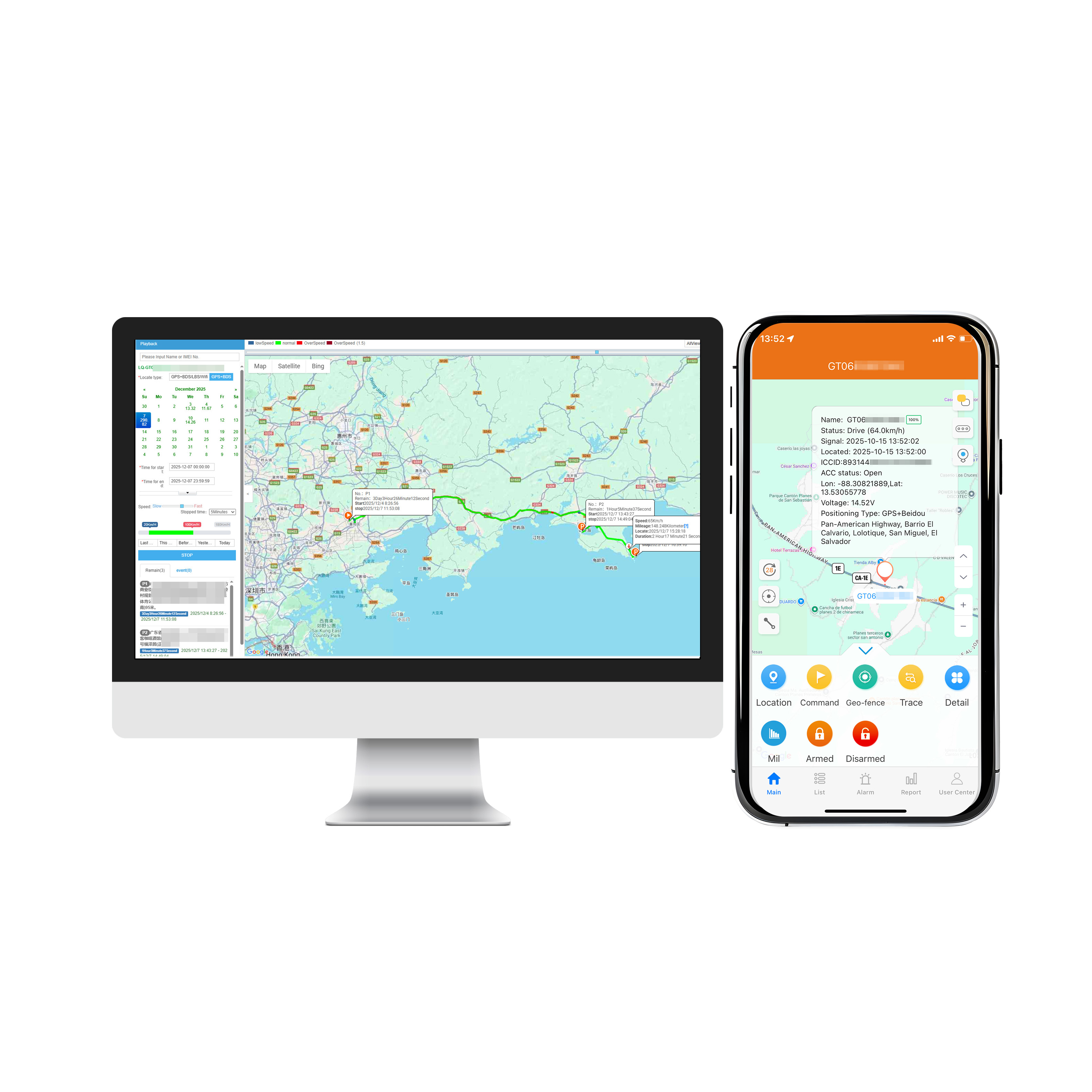
New platform/app:
App:SecumorePlus
Web:www.cantrackportal.com
To ensure your device online in new platform, please set IP and APN.
IP Address:www.gps2828.com
Port: 7018
If your gps tracker shows "overdue", you may recharge your device through our recharge web link: http://www.6onestop.com/
Platform fee:
1. Minimum charging $20 every time.
2. For Bulk devices(>100pcs): free for 1st year, $2/pcs/year from 2nd year, $5/pcs for lifetime free.
3. Please attach your IMEI number when topping up.Or send IMEI number to our assistant after payment.
(WhatsApp: +86 150 160 88 150)
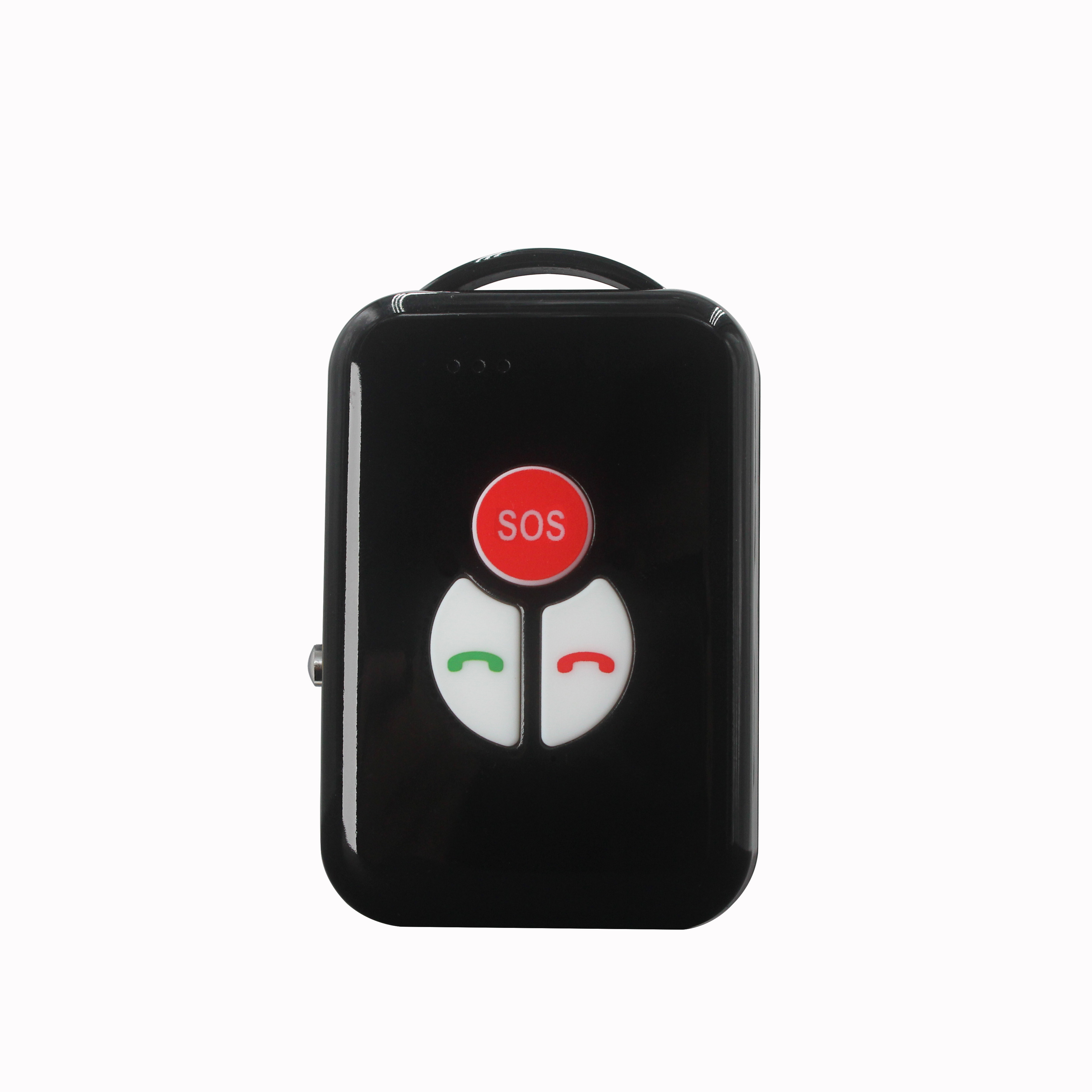
1. Can the P02L walkie-talkie tracker work on the 3rd party platform?
"Re:Yes, support. We will provide device communication protocol for you to integrate into your platform.
But we suggest that you test sample in our platform first."
2. How to test the P02L walkie-talkie tracker?
"Re:When first using, please take the device outdoors and keep it vibrating to prevent it from entering sleep mode.
Because device default Smart mode, device will upload location when vibiration detected, and sleep when no vibiration to save power.
SMS command: md123456 3 30S"
3.What are the available work modes?
"Re:Query mode (Mode 0: Power saving mode): Check device through platform/app, device will not report location actively.
SMS command: md123456 0, during this mode you can query the current location via SMS command: query123456 when you need.
Timing mode (Mode 1): Timing report, device will report every ** min based on timing only. SMS command: md123456 1 20M
Real time mode(Mode 2): device will always working & send location realtimely. min. interval: 10s SMS command: md123456 2 60S
Vibration mode(Mode 3: Default Smart mode, device will upload location (default frequency: 60s) when vibiration detected, and sleep when no vibiration to save power.SMS command: md123456 3 30S
Continuous Location Mode (for emergency use)"
4.How to make a phone call?
"Re:Please preset center number, you can send via sms or platform debugging
No need to add country code, just enter your phone number(support calling functin)
Device can configure 1 SOS number & 2 family numbers, also support up to 10 whitelist phone numbers.
eg:
Send SOS number command: admin123456 13800001234
Send family number command: familynum123456 13800001234 13600006666
Send whitelist number command: whitenum123456 13600006667 13600006668
"
5.How to make a walkie-talkie group?
"1. If use SecumorePlus tracking platform, please put the device IMEI in the same group before using the walkie-talkie function.
2. If use 3rd party tracking platform, firstly it need to send SMS command to the every device SIM number, to set the group ""group123456+space+GroupName"", group name must be unique, max 200 characters."
6.How to test intercom mode?
"Re:Intercom mode (Defaulted)
Device support walkie-talkie function by creating in same group on Secumore Platform.
By pressing the intercom button to talk, release the button to send.This function is realized through GPRS data, without distance limitation.
SMS command: interon123456 1"
Contact your direct seller to get the admin account. Default IMEi as user name login
1. Whether the SIM card balance is insufficient.
2. Whether the device moved outdoor for GPS signal
3. Send SMS command "server#" to device SIM card number to check if default IP Port parameters are correct. Or configure IP Port again .Refer to the user manual.
1. Insert SIM card with SMS and data services.
2. Power on the device.
3. Device will automatically recognize SIM card APN and connect to the Secumoreplus server.
4. If automatic APN setup fails, manually configure APN via SMS command(Refer to the user manual for details)
1. Whether the SIM card balance is insufficient.
2. SMS command format is incorrect. Follow the correct user manual
3. SIM card does not support SMS.
4. SIM card restrictions by the operator.
5. Whether the device in deep power-saving mode, switch to vibrate mode or real time mode.
Yes, our trackers support the mainstream third-party platforms, such as Wialon, Traccar, GPSWOX, Flespi, Fulltime, etc. Or you can consult the platform service provider to see if it supports our device protocol.
The IMEI number has not been imported into the platform, please provide your IMEI to your purchasing dealer or send an email to us to solve it.
Tracking platform:
www.cantrackportal.com
login user: 888
Password:123456
Download IOS & Android APP, search name ”SecumorePlus“ from playstore or Appstore.
we can offer you admin account for manage unlimited tracking target.
alger.qin@6gpstracker.com
 Phone: +86 198 7412 0903
 Tel: +86 755 2370 2092
 WhatsApp: +86 198 7412 0903
 Add: FL5, BLDG B, Lianxing Industrial Park, JiangJun Rd, Qiuchang, HuiYang District, Huizhou, Guangdong, China
Copyright © Huizhou Cantrack Technology Co., Ltd. All Rights Reserved. Sitemap “仲达荣”商标为惠州市仲达荣科技有限公司所有


Product

About
Support
News
Contact Us







 Language














 EN
EN